
How it works
Cheers App perks are exclusive to members and Visitor Pass holders. Start an Annual Membership or get a Visitor Pass to unlock them.
-
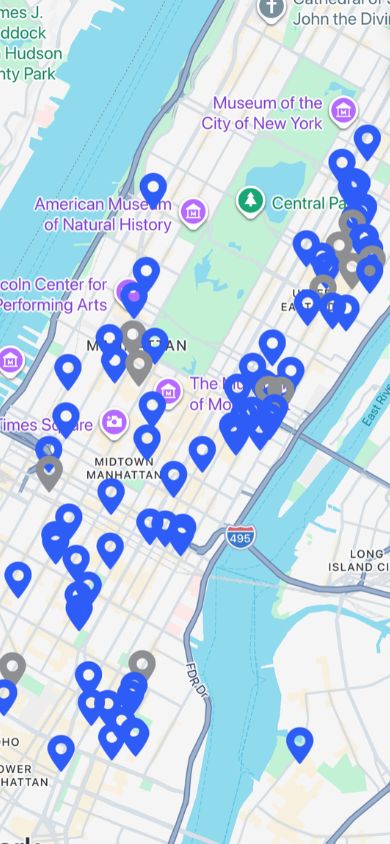
Find deals near you
Explore participating restaurants, bars and cafés.
-
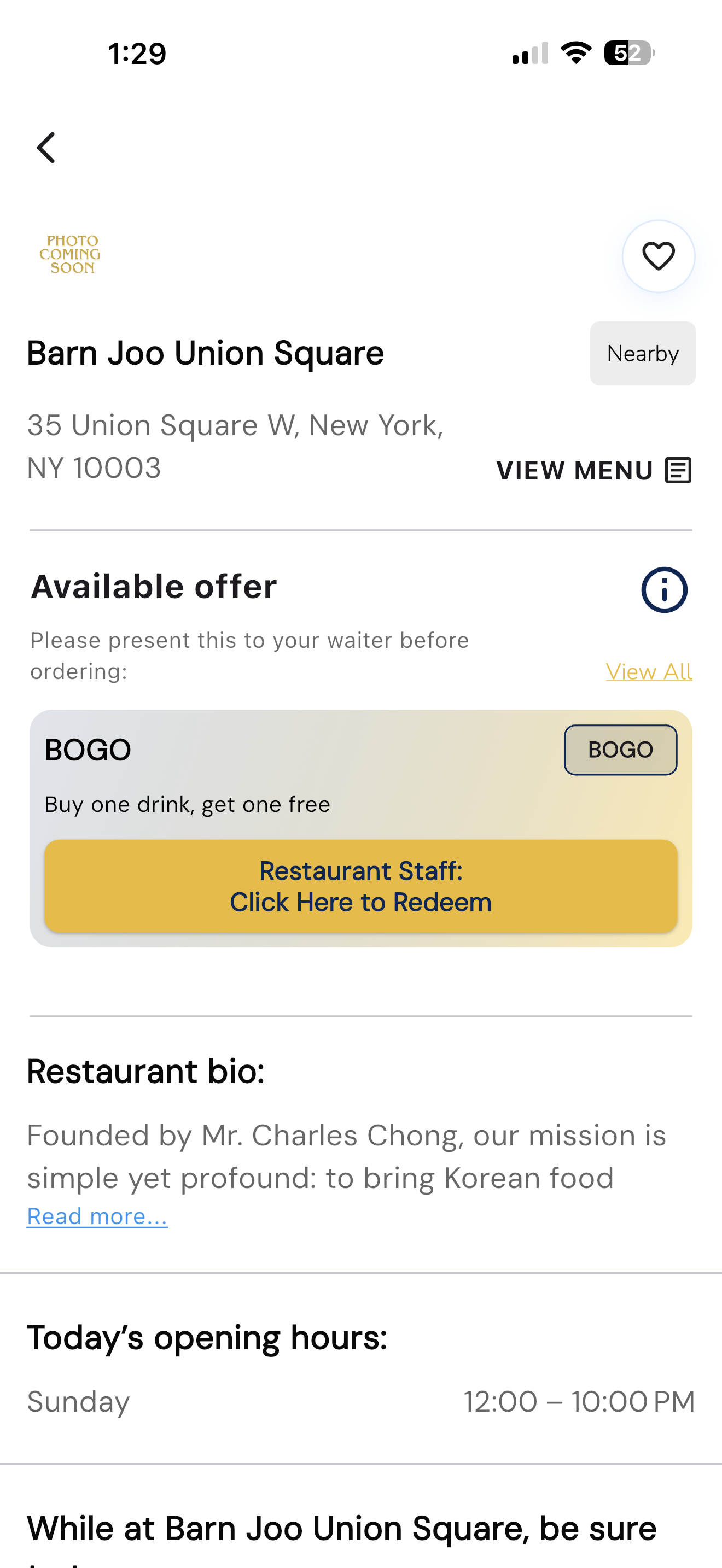
See the deal
Open a restaurant's offer and check its details before you visit.
-
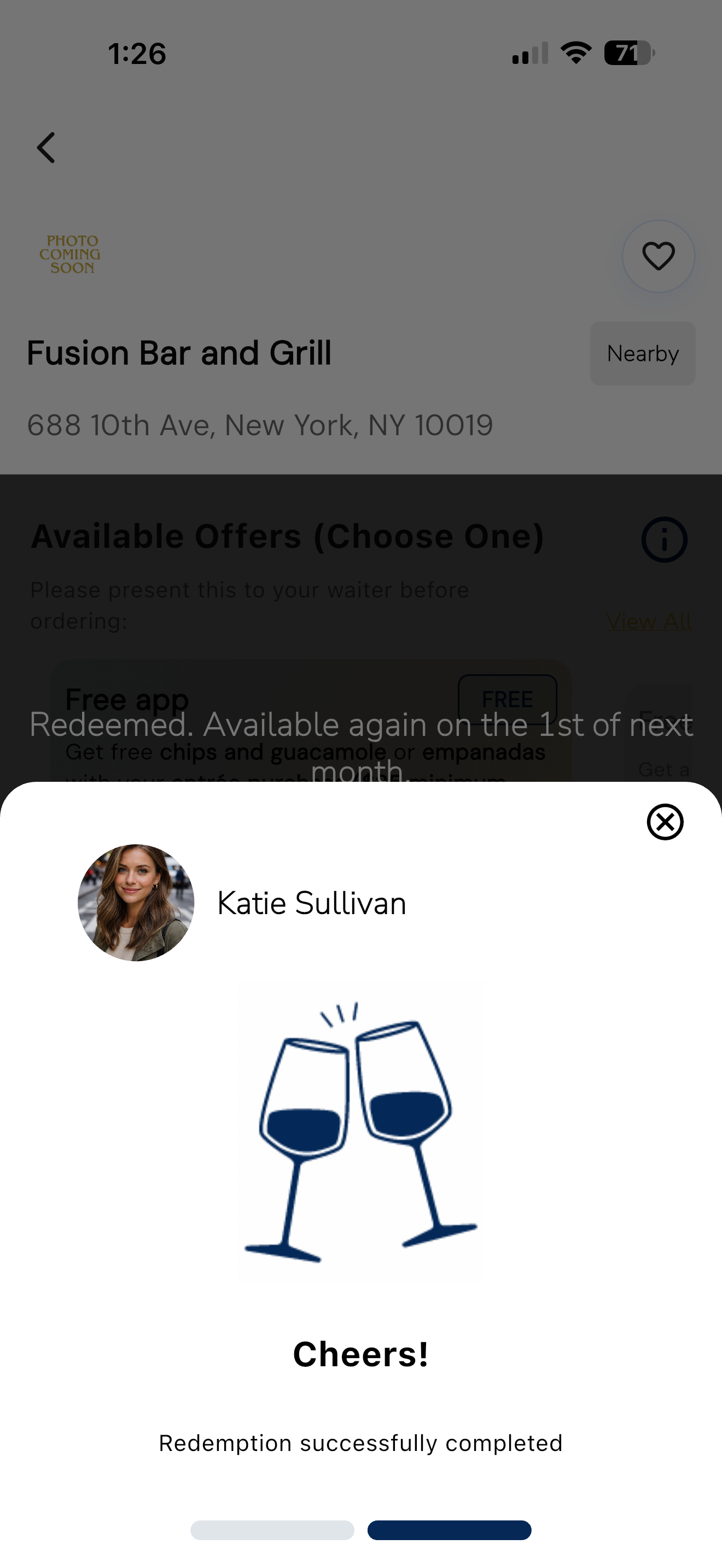
Redeem right from your phone
Show your voucher to staff - they tap to confirm, and you enjoy your perk.

Frequently Asked Questions
How does the app work?
Our app gives you exclusive access to a variety of deals at top local restaurants, cafés, bars, bakeries, and more.
Deals include offers such as free drinks, BOGOs, discounts, complimentary items, and more.
Browse participating venues in the app, open their individual page, and show your in-app voucher while ordering to redeem.
How do I redeem a deal?
To redeem a deal, simply:
1) Open the venue’s page in the app.
2) Review the deal details, terms, and any minimum purchase requirements.
3) Show your in-app voucher to venue staff when ordering.
4) Staff will mark the voucher as redeemed.
Each venue may have slightly different deals/rules, so check the deal description before redeeming. Offers must be redeemed in person and aren’t valid for online or phone orders.